A. Audio source compatibility
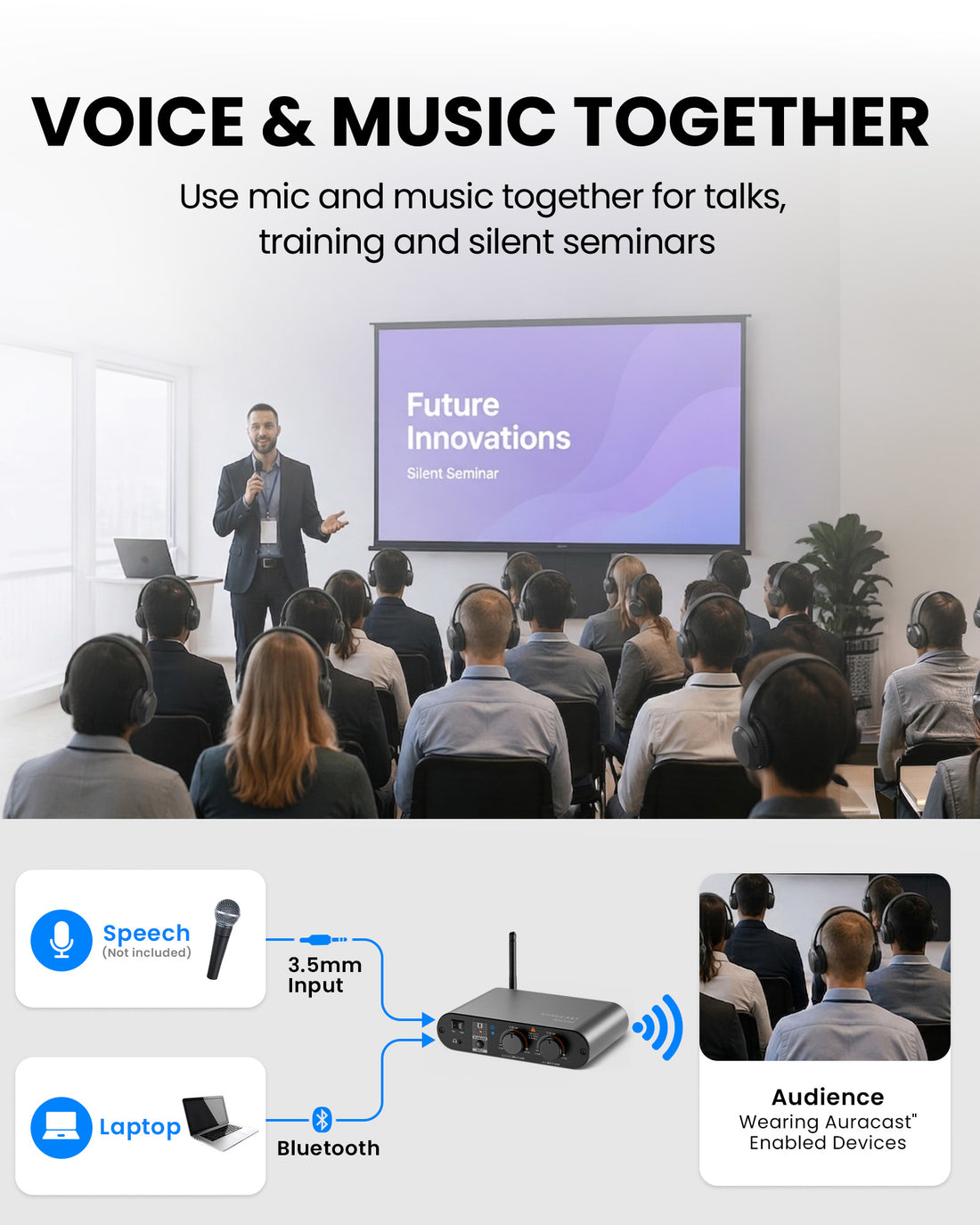
Connect your existing venue audio
- Mixer / PA
- Microphone*
- AUX / media
- Bluetooth
- Computer
- Line output






Auracast Transmitter for Church & Venues
Connect AirCast to an existing mixer or PA to create a scalable congregation listening system for speech, music and translation.
Checking the fastest delivery option…
01 · Best for
Best For
Before buying
Check the audio source feeding AirCast and how each listener will hear the broadcast.
A. Audio source compatibility
B. Listening device compatibility
02 · Addons & Accessories
Auracast receivers, headphones & speakers
 AuraView 4-PackScreen-guided Auracast receivers with a charging dock for venue-provided listening.
 AuraClip 3RXAuracast receiver kit for venue listening. Works with most Auracast transmitters.
 Aura C 5-PackFive USB-C Auracast receivers for Bluetooth headphones and hearing aids.
 Aria Aura 4 ProAuracast headphones for shared listening in churches, theaters and classrooms.
 FreeMic DuoWireless headset and handheld microphones for teaching and small events.
 10-Pack Wired On-Ear HeadphonesTen wired on-ear headphones with 3.5mm plugs for venue-provided listening.
03 · Product Details
Download Spec Sheet (PDF)Simple by design
Connect AirCast to the existing mixer or PA to provide hearing assistance with church PA system audio. Add compatible listening devices later without replacing the transmitter.
04 · Setup & Config
Connections, setup, operation, and product reference.
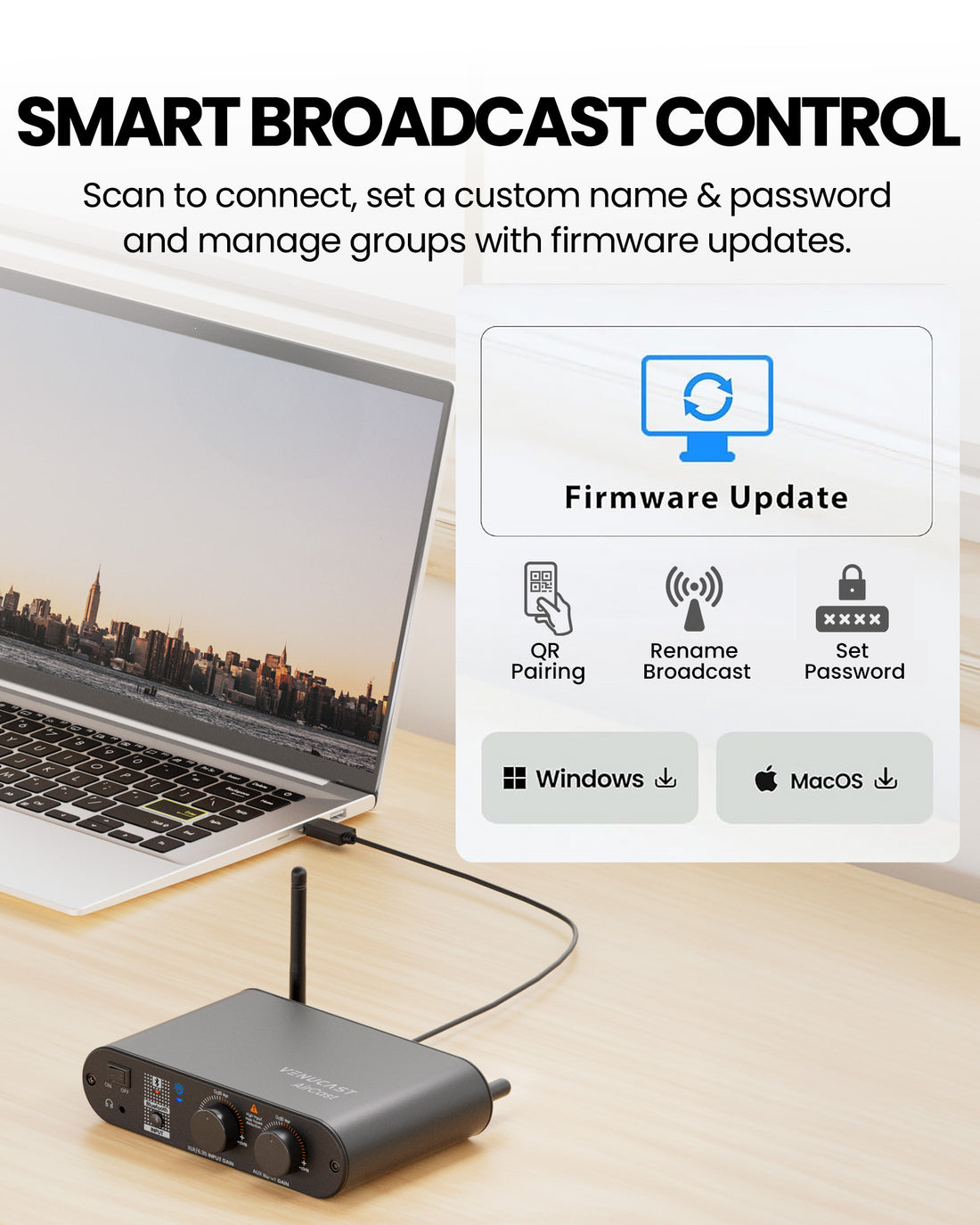
Update firmware and configure your AirCast broadcast with the PC tool.
Venue signage, listener materials, and hearing-aid connection guides.
Fix common sound, connection, firmware, and setup issues.
Common Questions


