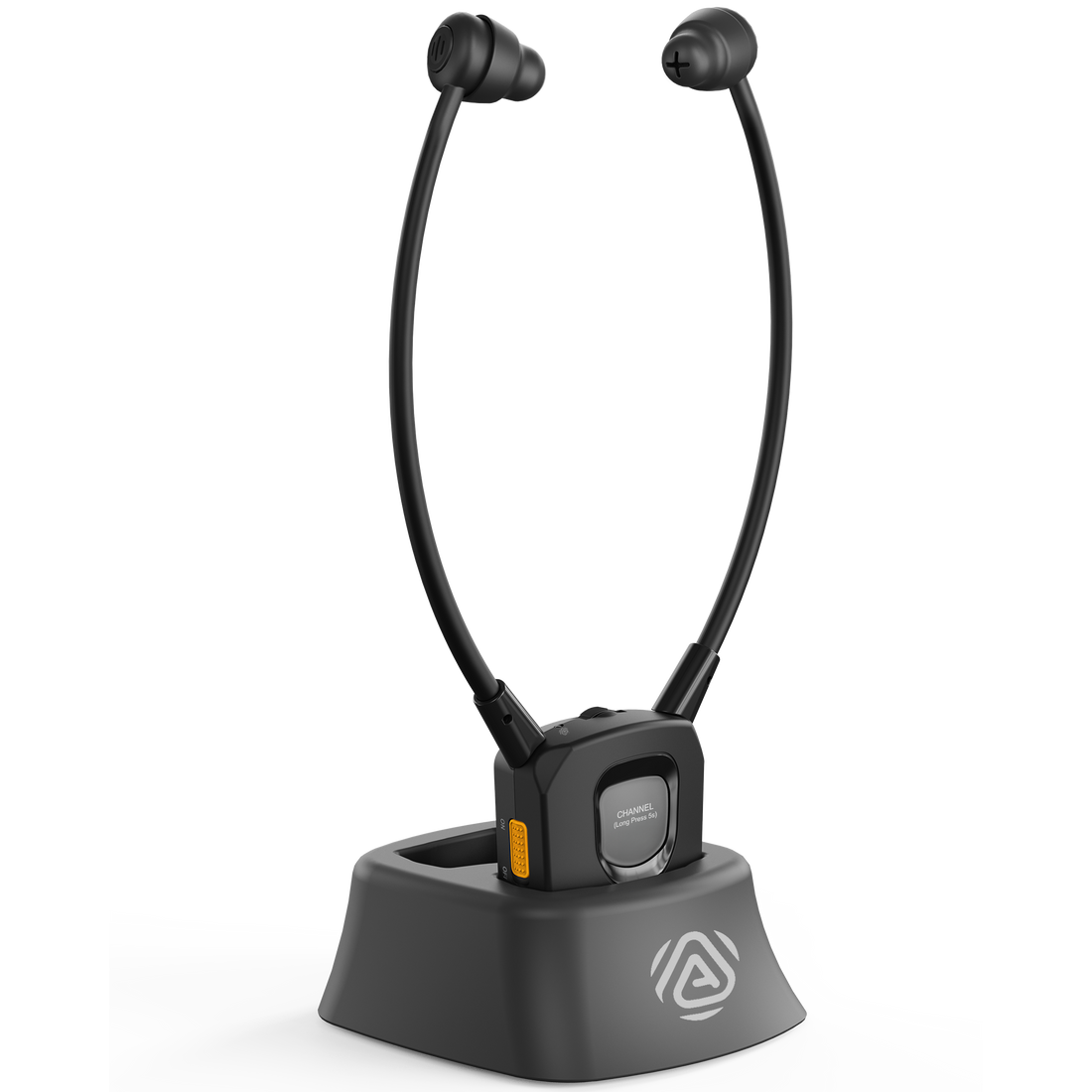
Auraband

Auracast Earbuds for Personal Listening

Listen directly to nearby open Auracast broadcasts with personal volume and left/right balance control.

£135.99
Version:
Version:
AurabandAuraBand 2-PackAuraBand 6-Pack
Ask a Question

Checking the fastest delivery option…

Fast ShippingReliable Delivery
60-Day Free ReturnsHassle-Free
Bulk DiscountVolume Pricing Available
Free Setup SupportVenue Specialist Included
  • Personal Auracast Listening – Hear compatible open venue broadcasts directly through the earbuds.
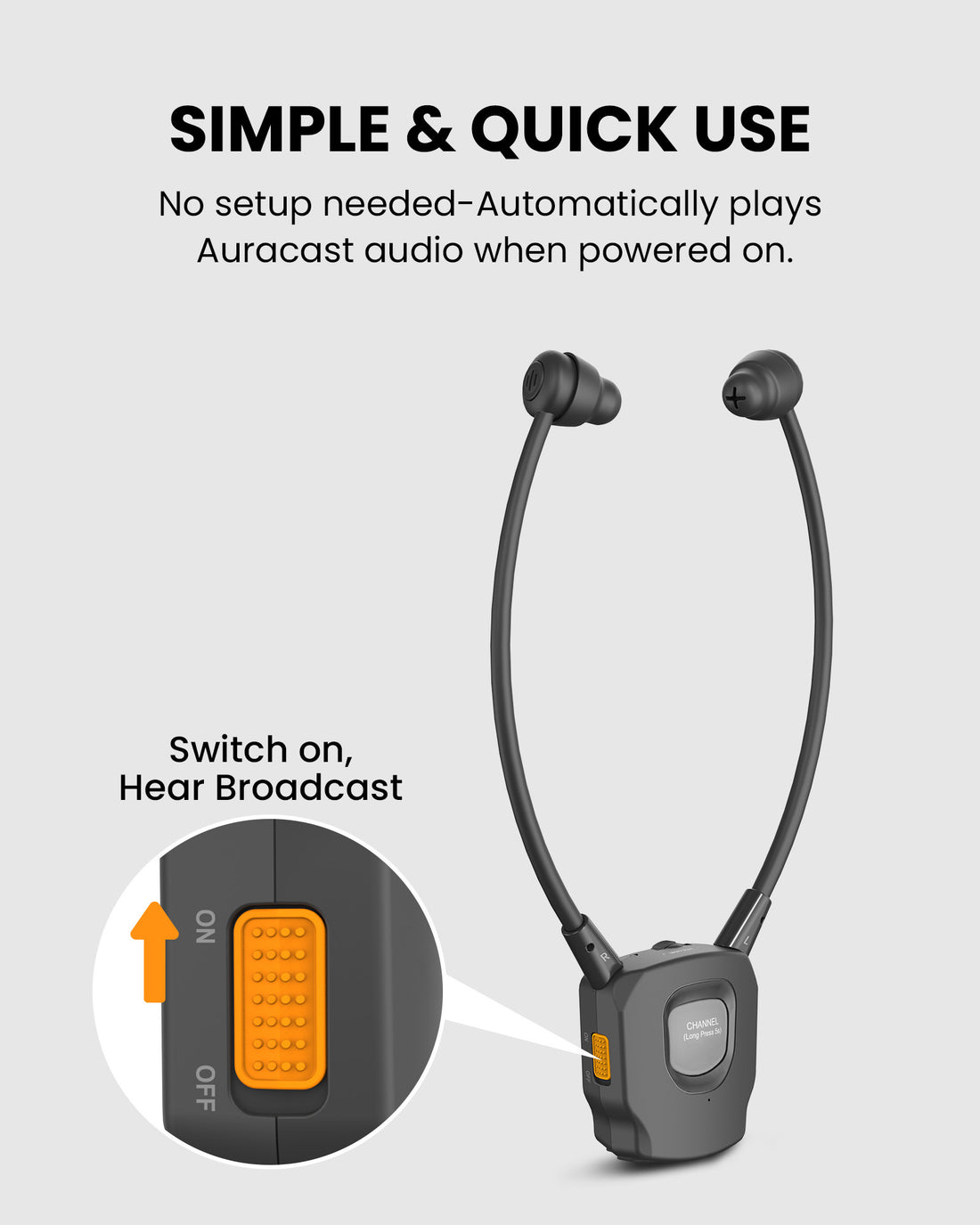
  • Simple Start-Up – Power on to search for a nearby open broadcast.
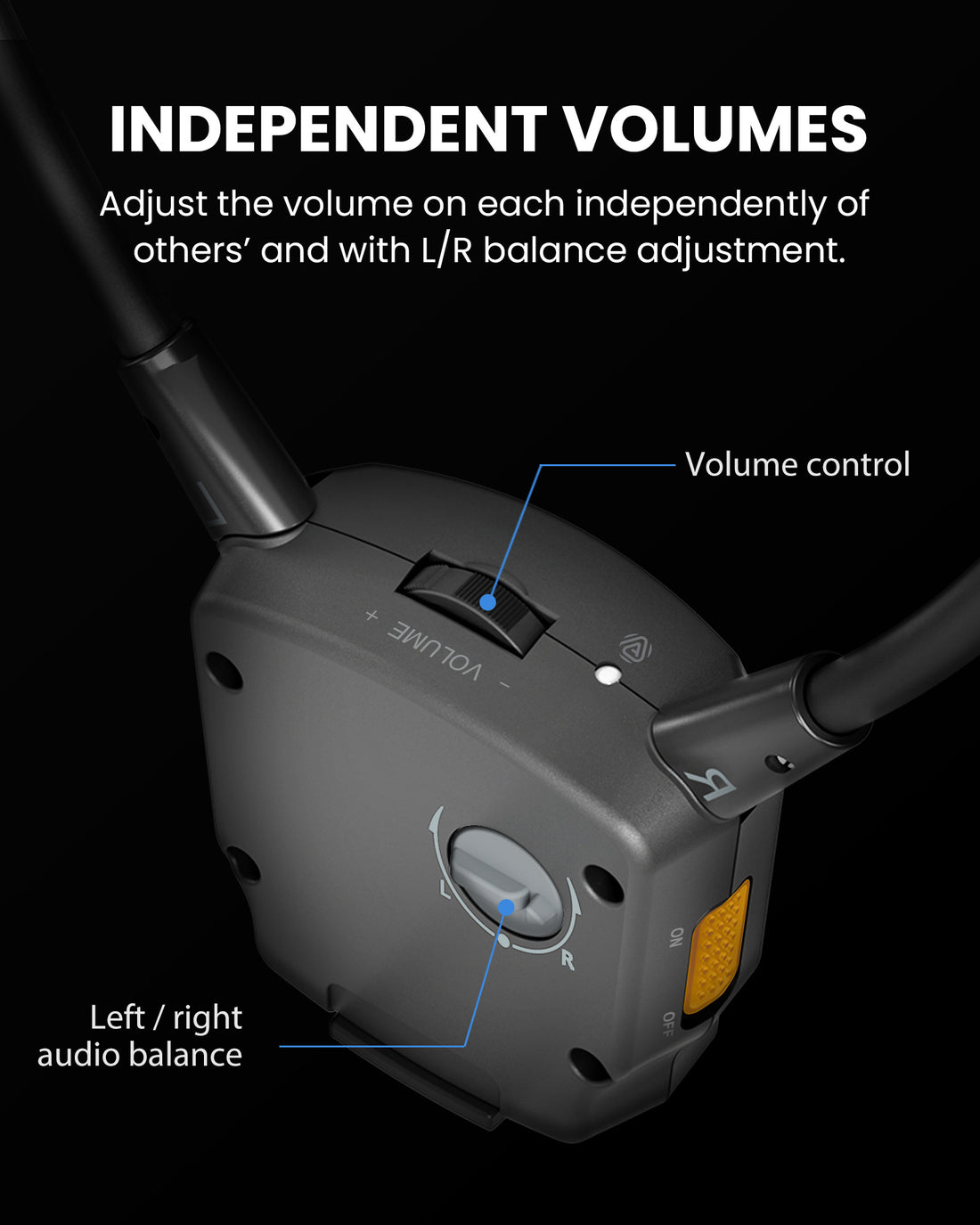
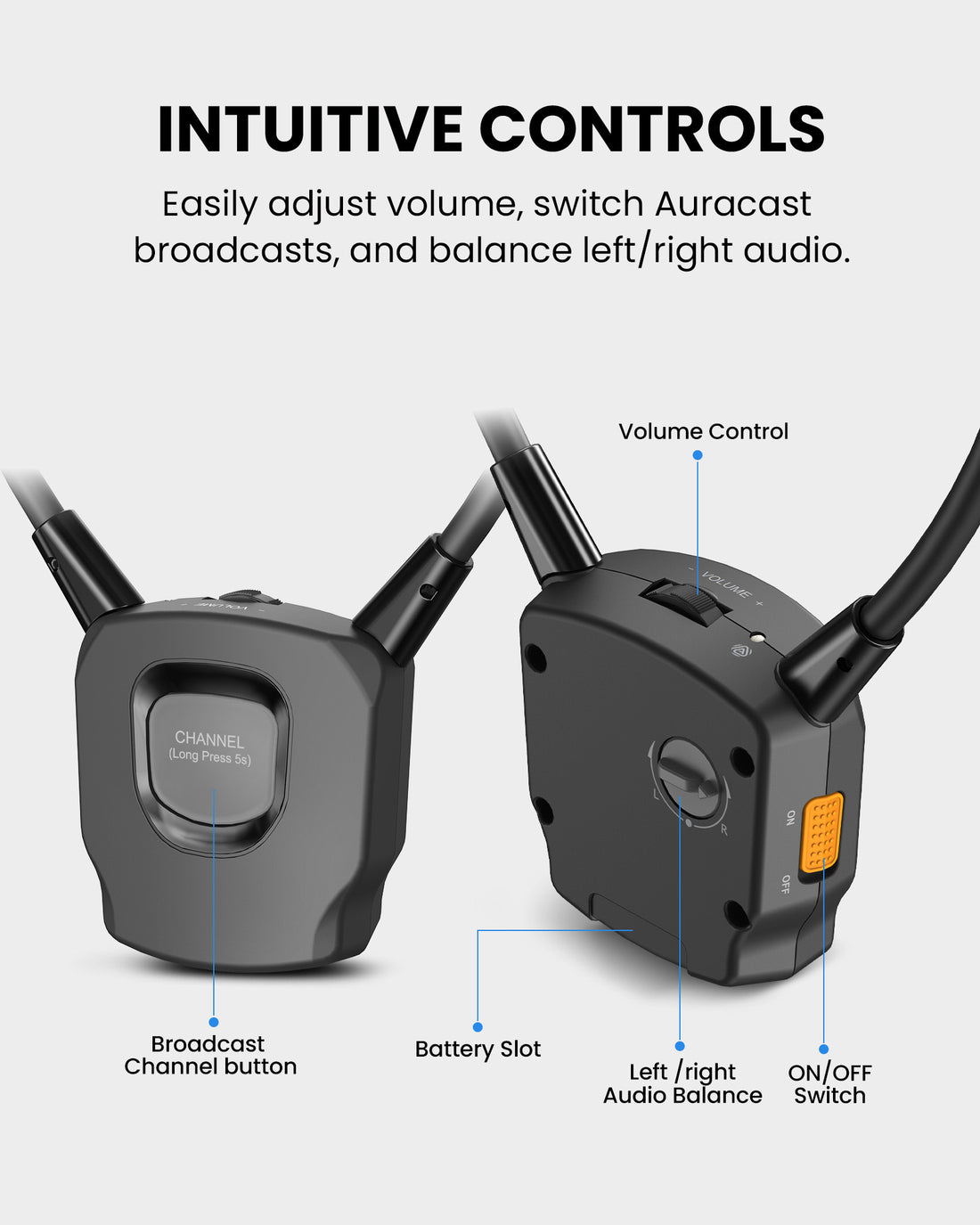
  • Personal Sound Control – Adjust volume and left/right balance for comfortable listening.
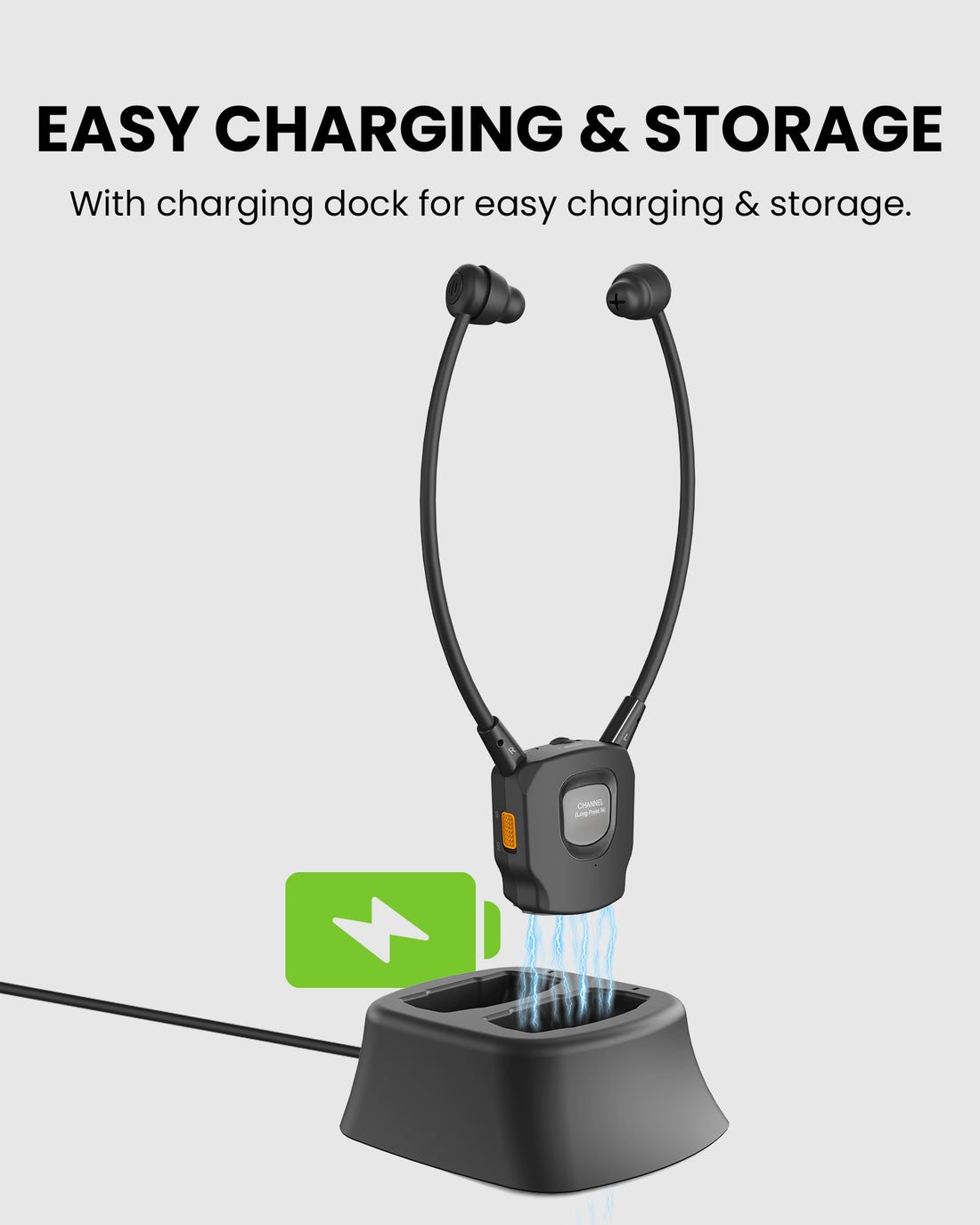
  • Charging Dock Included – Switch off and place the receiver in the powered dock between sessions.
  • Replaceable Battery – Supports replaceable batteries for service and longer-term use.
  • Open Broadcasts Only for Now – The current guide says app support is coming soon; do not rely on encrypted broadcast access.
Auraband £135.99

01 · Best for

Best For

Where Auraband fits

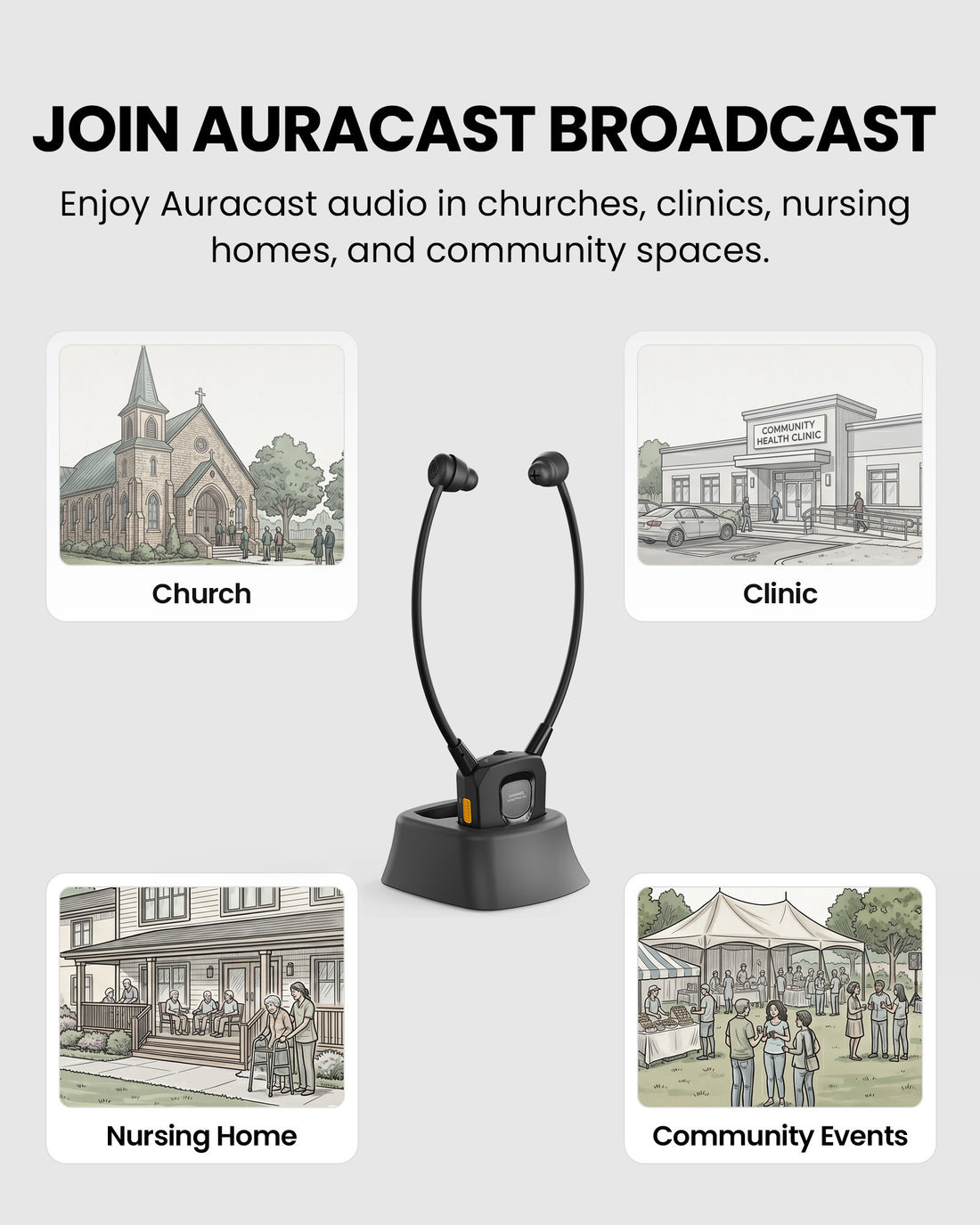
  • Church & Worship setting Church & WorshipListen to an available open broadcast with your own volume setting.
  • Senior & Community Venue setting Senior & Community VenueUse familiar physical sound controls for shared venue programs.
  • Classroom & Training setting Classroom & TrainingAdjust volume and left/right balance while listening to an open broadcast.
  • Public Talks & Events setting Public Talks & EventsJoin compatible open broadcasts for speech and public programs.

Before buying

Compatibility

Check the broadcast source and the listening pathway before ordering Auraband.

A. Broadcast source

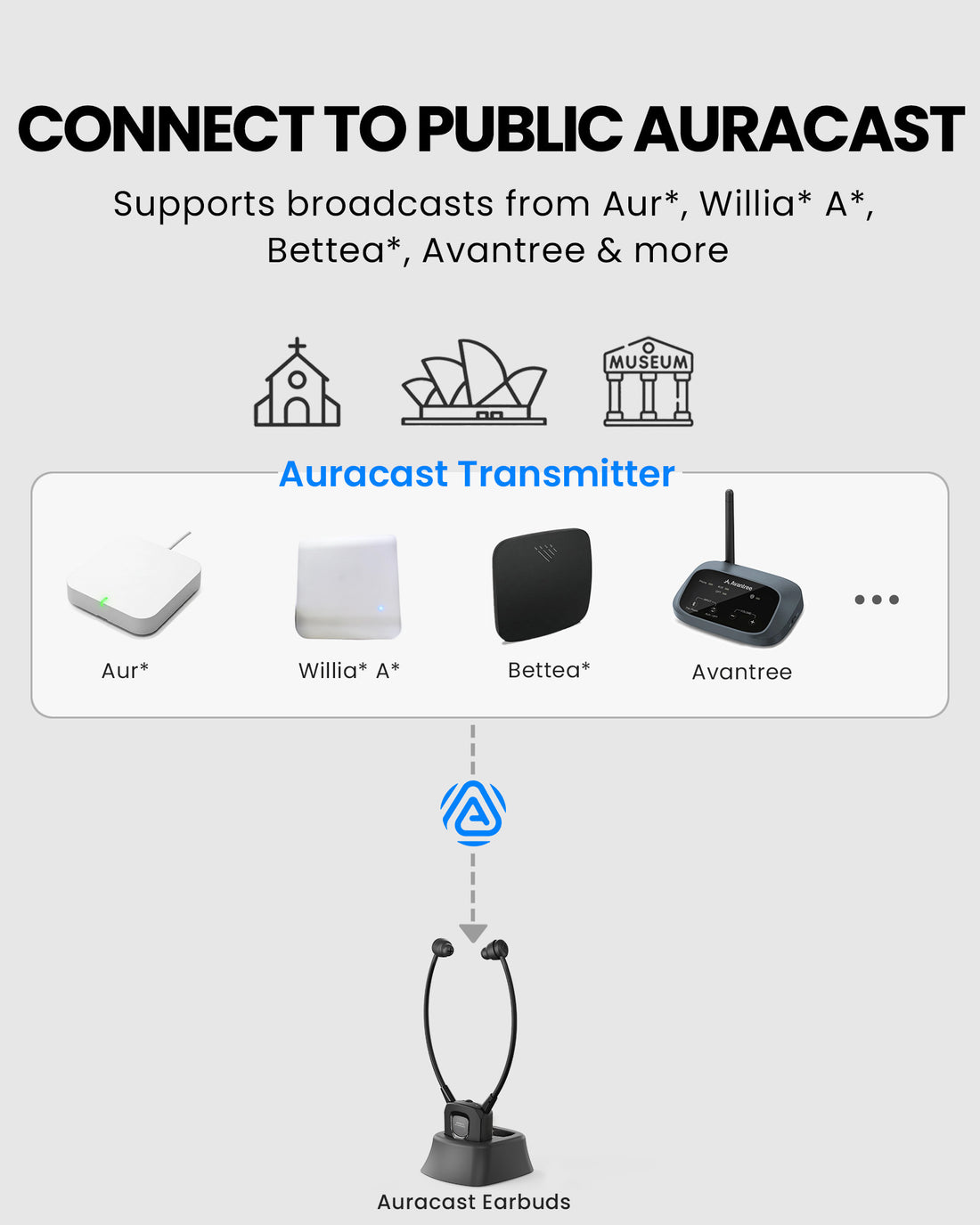
An open Auracast broadcast is required

  • Open Auracast venue broadcast
B. Listening pathway

Listen through Auraband

Integrated listening
Listen directly through the earbuds once connected to a supported Auracast broadcast.
Personal volume
Set a comfortable listening level without changing the broadcast for other listeners.
Check Compatibility

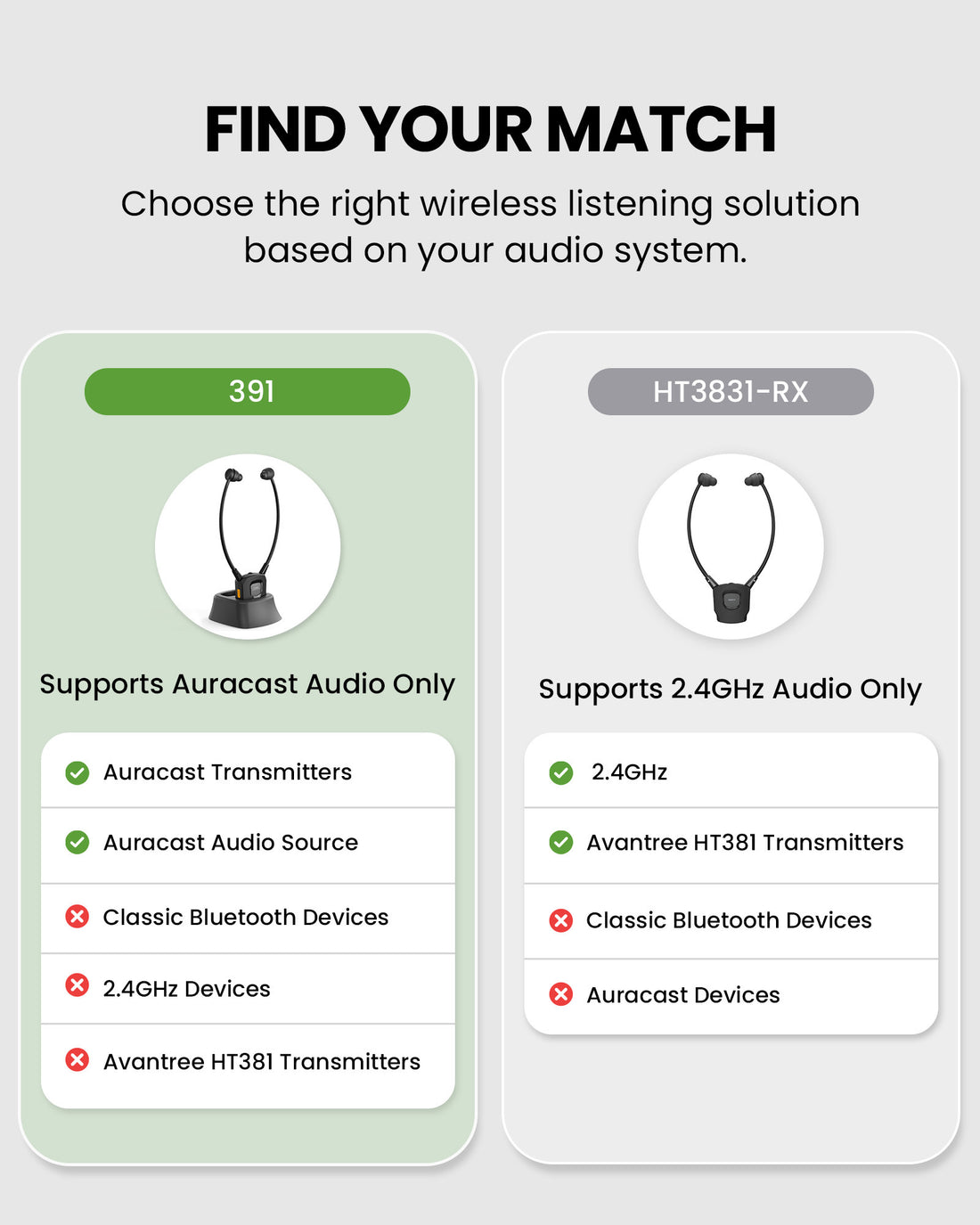
Open broadcasts only for now. App support is coming soon according to the current guide. Auraband is not a classic Bluetooth receiver.

Need help choosing Auraband for your setup? Find My Setup

02 · Addons & Accessories

View all add-ons & accessories

03 · Product Details

What's Included

Receiver and included dock are confirmed. Additional package accessories have not yet been verified.

  • 1 × Auraband receiver with earbuds
  • 1 × Charging dock

How It Works

Simple by design

Join a compatible broadcast and choose your listening level

Open broadcasts only for now. App support is coming soon according to the current guide. Auraband is not a classic Bluetooth receiver.

  • Compatible Auracast broadcast required
  • Personal listening level
  • Follow the product setup guide
1
Check the broadcast Ask venue staff for an available open Auracast broadcast.
2
Prepare your listener Power Auraband on.
3
Join and listen Allow the receiver to scan for an open broadcast.
4
Set your sound Start low and adjust your own listening volume.

Technical Specifications

SKU
VRC-391
Product role
Auracast receiver with earbuds
Broadcast access
Open broadcasts; app support coming soon per current guide
Sound controls
Volume and left/right balance
Battery
Replaceable
Charging
Included powered charging dock

04 · Setup & Config

User Guide

Product-specific connection, operation and care instructions.

Open guide

Setup Downloads

Venue signage, listener materials, and hearing-aid connection guides.

View downloads

Troubleshooting

Get help with Auraband connections, sound and operation.

Get help

Common Questions

Auraband FAQ

Can I join an encrypted broadcast?
The current guide says to use an open broadcast for now; app support is coming soon.
Does it pair with my phone like normal Bluetooth earbuds?
No. Auraband receives Auracast broadcasts. Do not pair it through the phone Bluetooth settings.
How do I switch broadcasts?
Move near the desired broadcast and hold CHANNEL for five seconds. Wait for a solid white light. If no new broadcast is found, it returns to the previous one.
How do I charge it?
Switch Auraband off, power the dock, and seat the receiver in it. Red means charging; the light turns off when full.